
Same text, more ways in
Dr. Steve Troyer · November 3, 2026
Teachers, the fastest way to differentiate a reading passage with AI is to ask it to rewrite the passage at a lower level. It's also the one I'd use least.
Part of the reason is accuracy. Researchers asked several AI tools, including ChatGPT, Google's Gemini and Meta's Llama, to write passages at a 3rd and 9th grade level. In their words, "the readability and text complexity of most texts were higher than the grade levels requested in the prompts." The lead author told Education Week the models are more accurate now. I would still check every one, because a "simpler" version can come out harder than the level you asked for. (Learning Disabilities Research & Practice, Education Week)
The bigger reason is what students miss. Court Shuller, a literacy coach in New Jersey, put it plainly in EdSurge: why would some students get the real text "and others a robot-created summary?" (EdSurge) Student Achievement Partners says it this way: "The goal is not to take the complexity of the text away. The goal is to help students access it." (Student Achievement Partners)
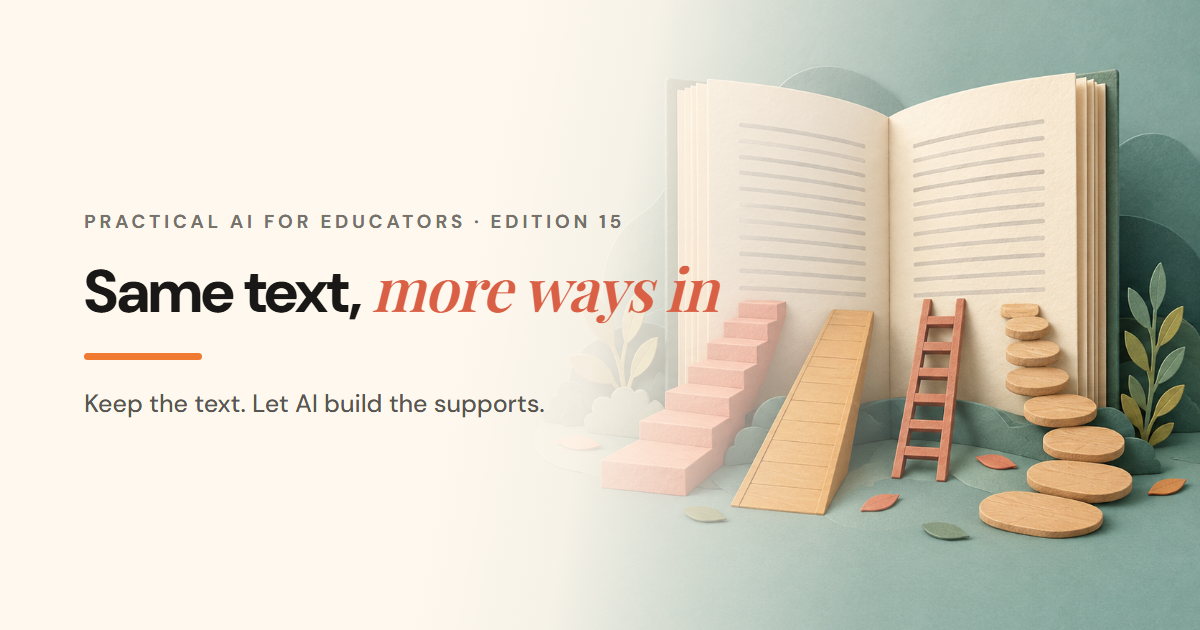
I think that's the right approach. So this week's workflow keeps the text and the target the same for everyone and uses AI to build more ways in.
Keep the grade-level text and the target
Pick the grade-level passage you were going to use anyway, and write the one question every student should be able to answer by the end. That question doesn't change for anyone. Everything else in this workflow is a support for getting there.
Ask AI where students will get stuck
Paste in the passage, and only the passage. Nothing about your students goes in; the class data edition covers that boundary in more detail.
Here is a passage my [grade] students will read tomorrow: [paste passage]. List the 5 sentences most likely to stop a student who reads 2 grades below level, and say in one line why each one is hard (vocabulary, sentence structure, or background knowledge). For each, give me a 2-minute mini-lesson I could teach before reading. Don't rewrite the passage.
This is the "find the hard moments" idea from both pieces above. You end up with a short list of places to teach, instead of a different text for some students.
Build AI differentiation supports around the text
Pick the scaffolds your class needs. Each one leaves the passage alone.
- Chunk it. Ask AI to mark phrase breaks with "/" so students can read in meaningful pieces. Shuller calls this "chunk, not change."
- Preview the words. Ask for the 6 words students most need before reading, with a student-friendly definition and the sentence from the passage each one appears in.
- Model the reading. Ask for a think-aloud script for the first paragraph, showing how a strong reader handles the hardest sentence.
- Add a home-language summary for multilingual students, to sit beside the English text. See the warning below before this one goes out.
Check any AI re-leveled text 3 ways
Sometimes a shorter version really is the right call. If you make one, don't hand it out until you've checked it, the same way you'd review any AI classroom material:
- The level. Read it aloud, or run it through a readability checker. It probably came out higher than you asked for, so ask for 1 or 2 grades lower than you need.
- The meaning. Hold it line by line against the original. Did a fact change, or did the tone shift? A researcher told Education Week a rewrite can shift tone "without humans noticing."
- The target. Can a student who reads this version still answer the same question you wrote at the start? If not, it's a different lesson.
Where the re-level tools live
- Google Classroom: Gemini in Classroom has teacher tools on the web to re-level text, translate text and create a vocabulary list. Google's help page says, "Gemini can make mistakes. Always double-check responses for accuracy." (Google)
- Microsoft 365: Teach in the Copilot app includes Modify reading level ("Simplify or challenge text to fit student reading abilities"). It's for faculty and staff with a Microsoft 365 for Education license and doesn't need a paid Copilot license. (Microsoft)
- Teams Assignments: Learning Groups, available now, lets you share different supports with named groups inside one assignment. Students see only what you picked for them, and group names stay visible only to you. That's a clean way to give everyone the same passage and each group its own supports. (Microsoft)
My one warning: check every translation
Don't send an AI translation to a student or a family until someone who knows the language has read it. Washington's state education agency says automatic translation tools "are appropriate only if the translation accurately conveys the original meaning, including technical terms, and is reviewed by a qualified individual." (Washington OSPI) Microsoft's own guidance adds that a language option "doesn't guarantee equal generation or evaluation quality across languages, scripts, and dialects." (Microsoft) A bilingual colleague checking the key terms takes a few minutes. Never ask a student to check it. If the summary is going home, the family note edition covers writing the English version plainly first.
Next week
How to teach students to use AI on an assignment, and what to ask them for as evidence.
Which text do your students find hardest to get into this year? Reply to this week's email and tell me. I may build a future example around it.
Gemini and Google Classroom are products of Google; Teach, Copilot and Teams are products of Microsoft; ChatGPT is a product of OpenAI; and Llama is a product of Meta. EdTeacherAI is not affiliated with or endorsed by Google, Microsoft, OpenAI or Meta.
Every workflow in the series, with the prompts and the review steps, in the free Field Guide.
Get the Field Guide, freeCommon questions
- Can AI rewrite a passage at a lower reading level?
- It can, but check the result. A 2025 study found the readability and text complexity of most AI-generated texts were higher than the grade levels requested, so read it aloud or use a readability checker before you hand it out.
- How can I use AI to differentiate without lowering the text?
- Keep the grade-level passage and ask AI for supports around it: the sentences most likely to stop a struggling reader, phrase breaks for chunking, a vocabulary preview and a think-aloud script.
- Is it safe to use AI to translate materials for multilingual students?
- Only with a check. Washington's state education agency says automatic translation is appropriate only if it accurately conveys the original meaning and is reviewed by a qualified individual, so have a colleague who knows the language read it first.
- Where are the re-level tools in Google Classroom and Microsoft 365?
- Gemini in Classroom has teacher tools on the web to re-level text, translate and create a vocabulary list. Microsoft's Teach in the Copilot app has Modify reading level for staff with a Microsoft 365 for Education license.
- Do I need to put student information into AI to differentiate?
- No. Paste in only the passage and describe a reader in general terms, such as a student who reads 2 grades below level. Nothing about an individual student needs to go in.